WindowMover
A downloadable tool for Windows
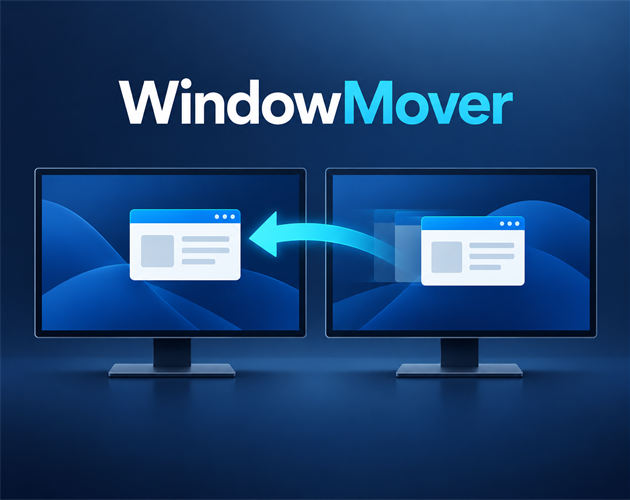
Move the active window between monitors
WindowMover is a lightweight Windows system tray utility. Focus any window and press Ctrl + Alt + M to move it to the next monitor.
Features
- Preserves the window's relative position and size.
- Keeps maximized windows maximized.
- Supports different resolutions and DPI scaling.
- Works with monitor layouts that use negative coordinates.
- Customizable global keyboard shortcut.
- Optional launch at Windows sign-in.
- No ads, network access, telemetry, or personal data collection.
- Self-contained; no separate .NET installation required.
How to use
- Download and extract the ZIP file.
- Run
WindowMover.exe. - Focus the window you want to move.
- Press Ctrl + Alt + M.
Double-click the WindowMover system tray icon to open settings.
System requirements
- Windows 10 or Windows 11
- 64-bit x64 processor
- Two or more monitors
Known limitation
A normally launched WindowMover instance cannot move windows belonging to applications running as administrator. This is a Windows security restriction.
This release is not yet digitally signed, so Windows SmartScreen may display a warning the first time it is launched.
Download
Click download now to get access to the following files:
Leave a comment
Log in with itch.io to leave a comment.